Galaxy J5 (2017) review: design
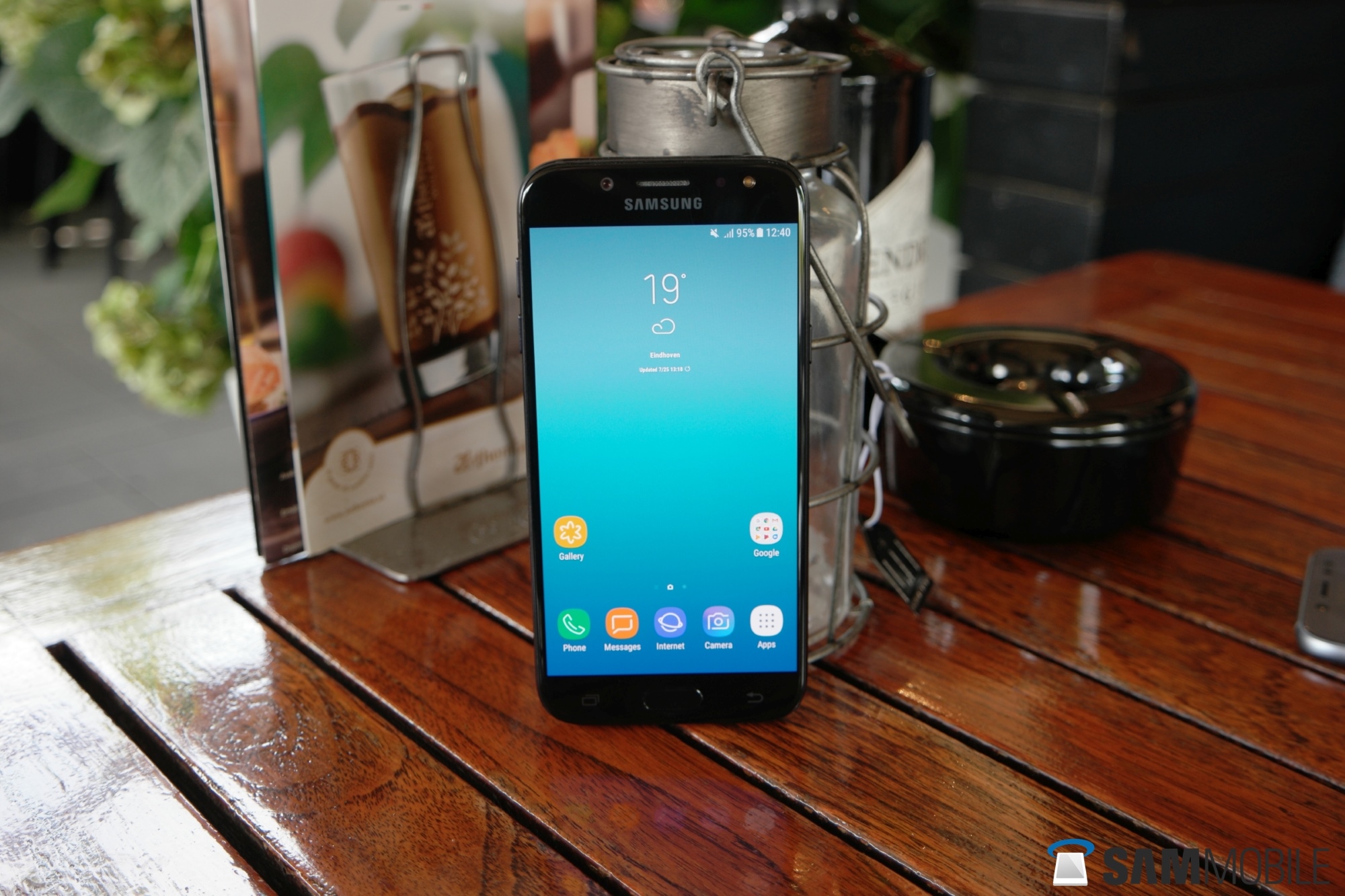
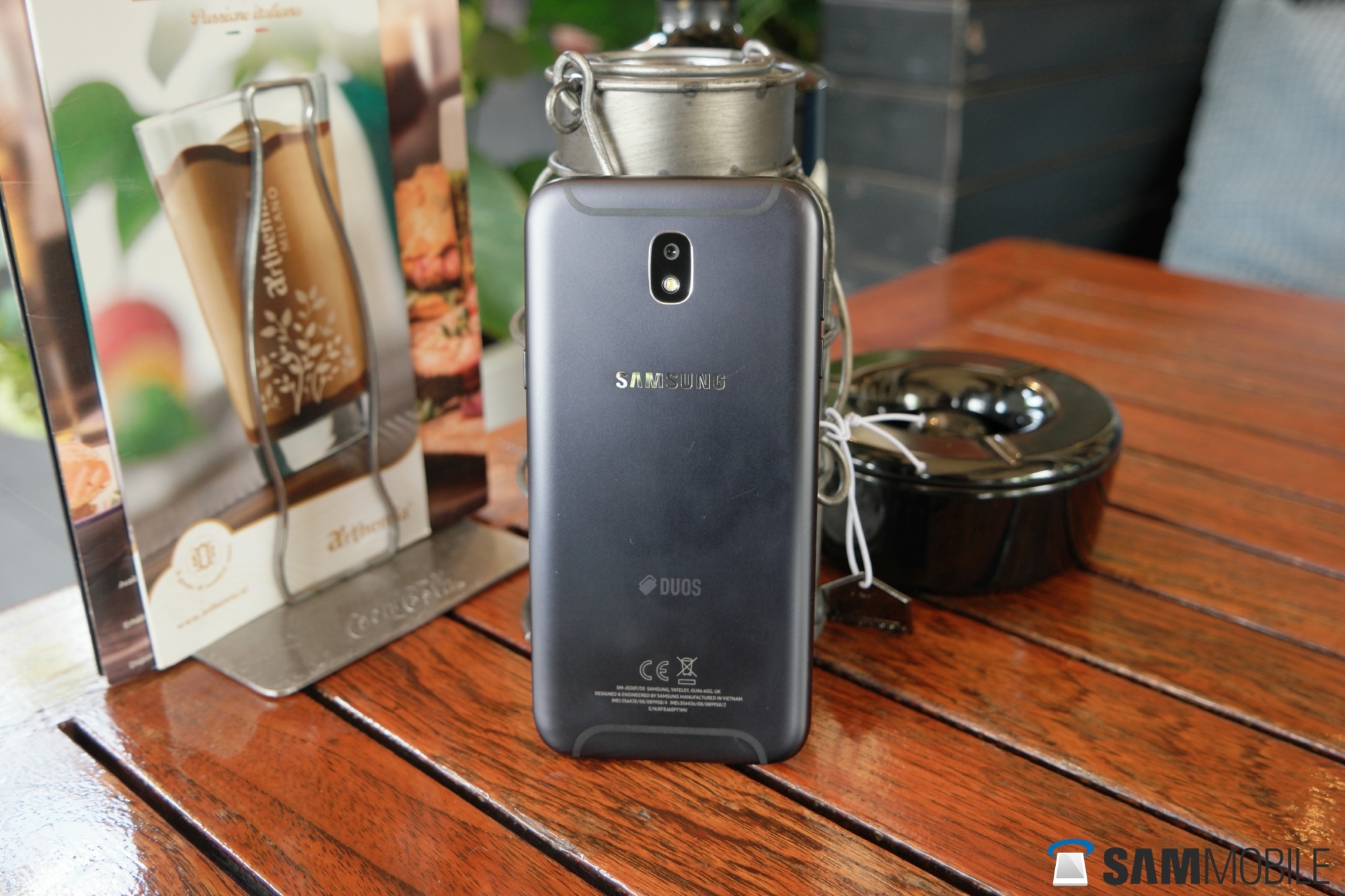
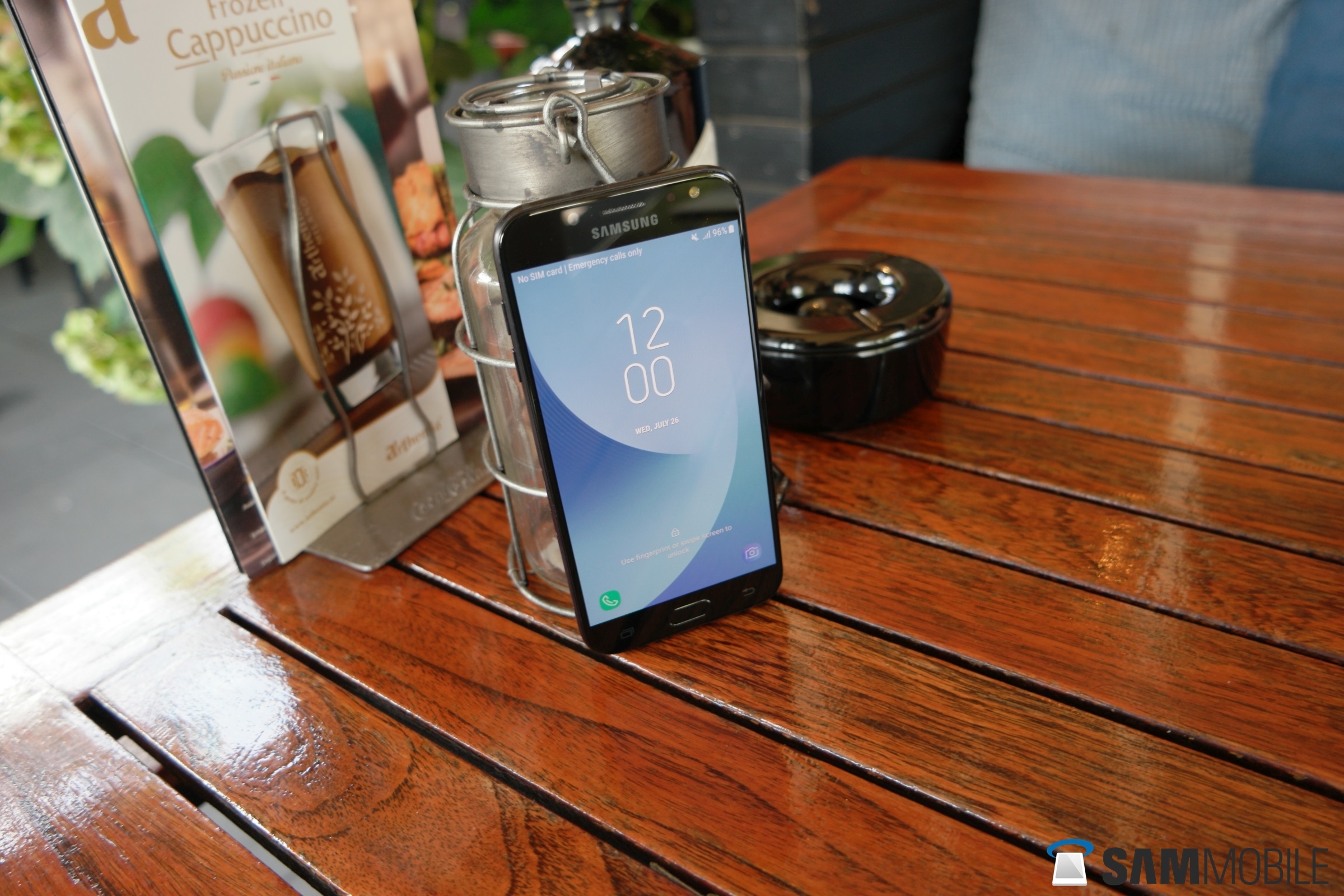
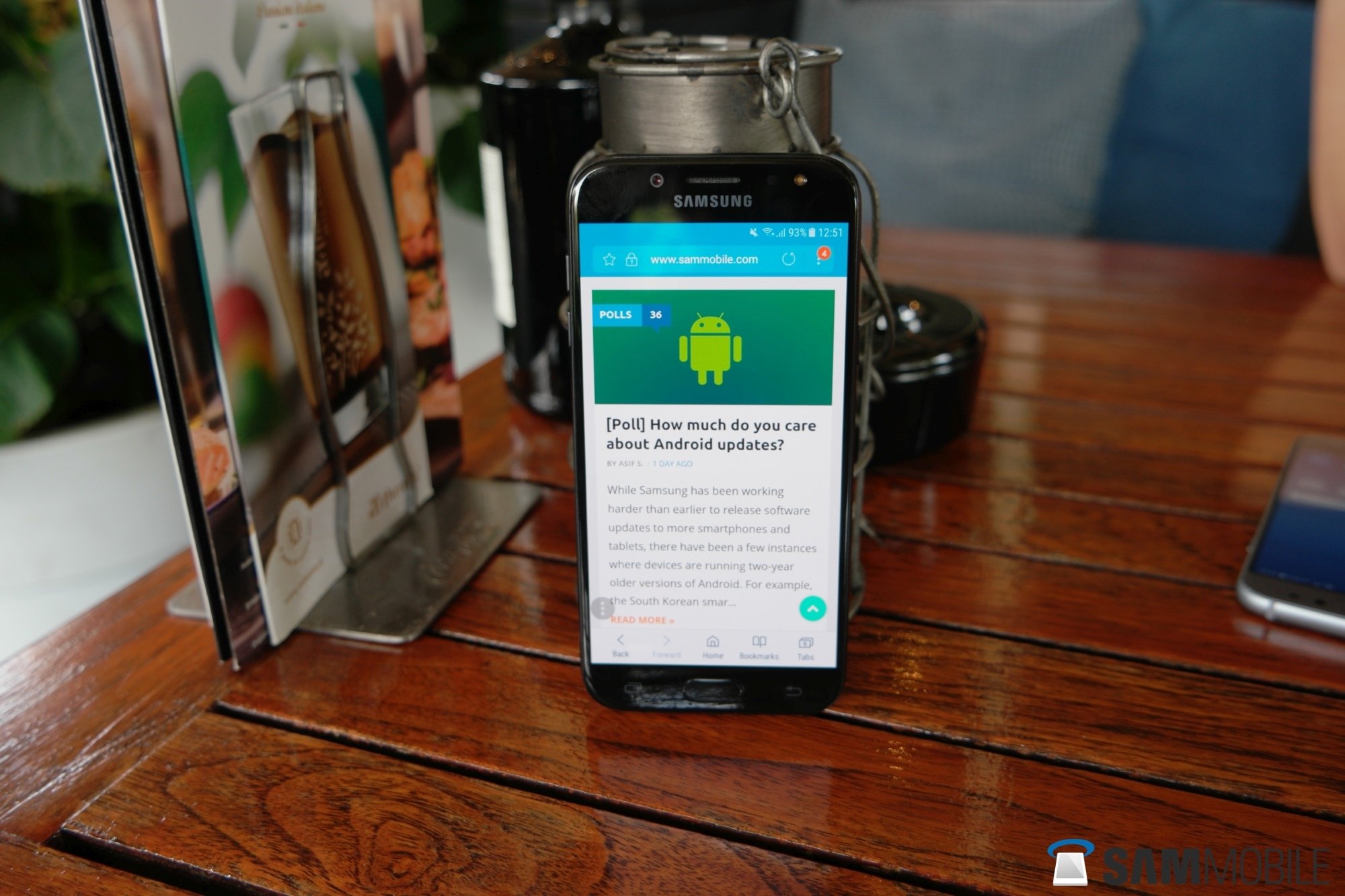
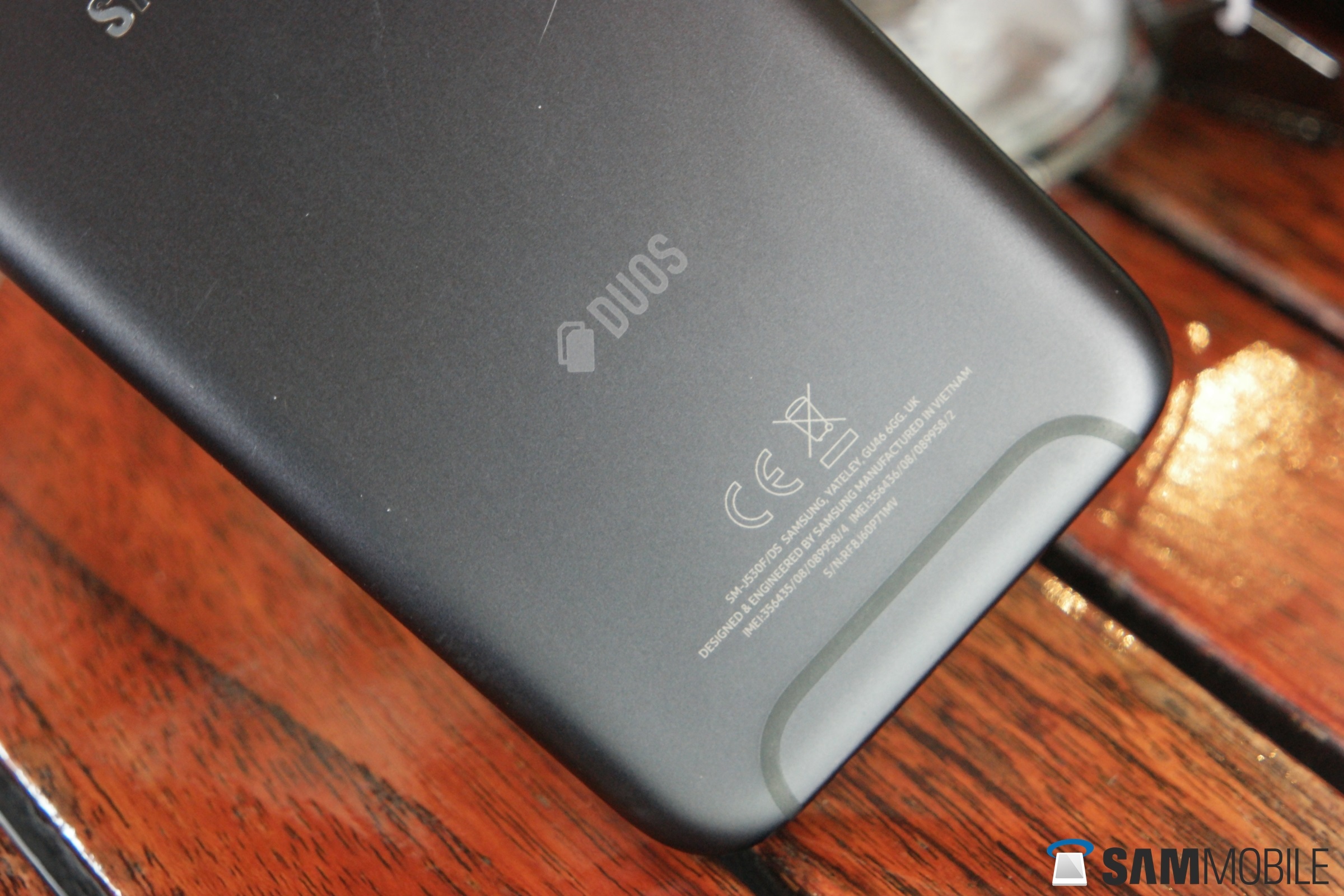
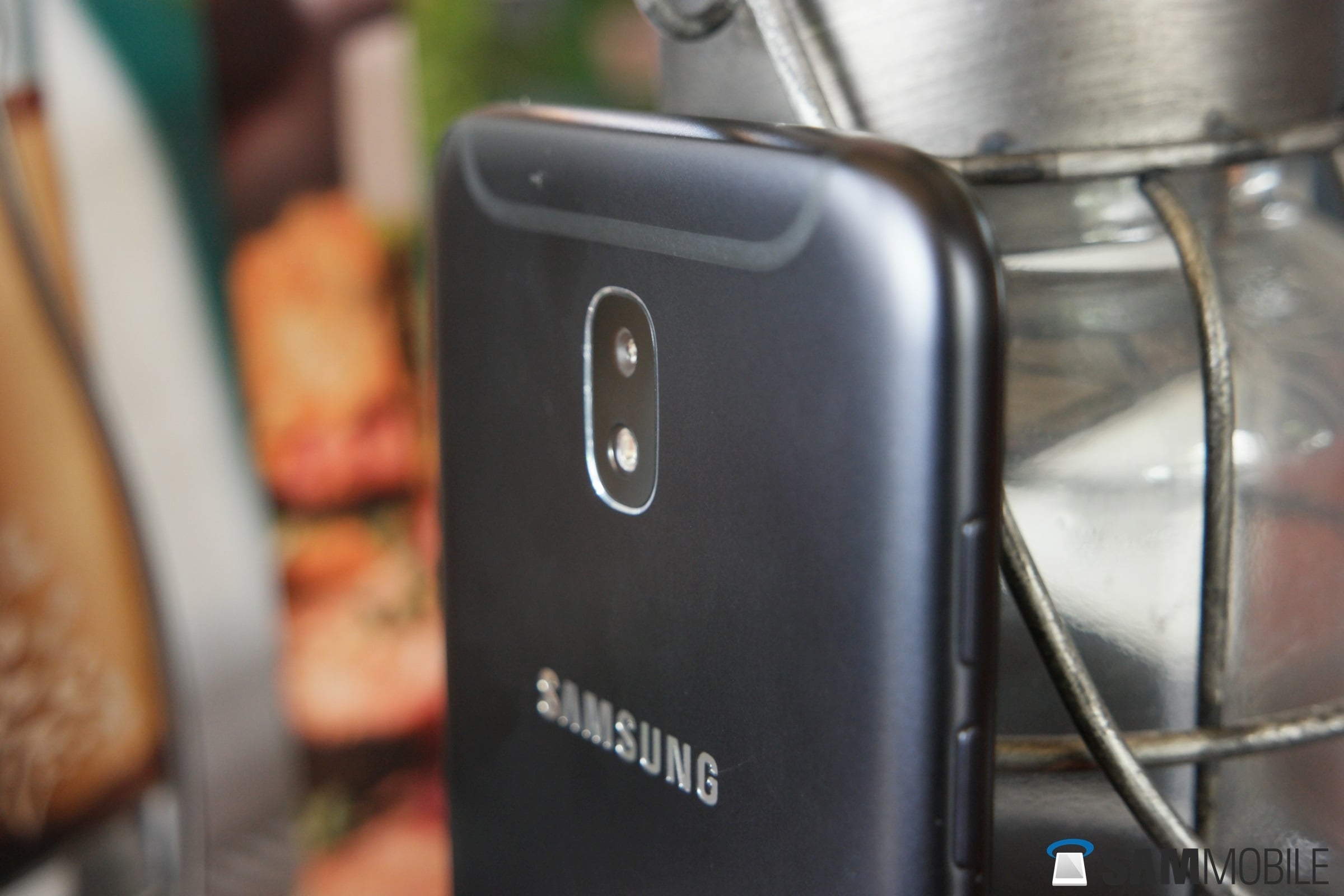
Jumping straight into the design of the Galaxy J5 (2017), it is easy to understand why I am stoked. In many markets, this will be one of Samsung’s entry-level smartphones, and it easily surpasses recent flagship devices like the Galaxy S6, perhaps even the Galaxy S7, in build quality.
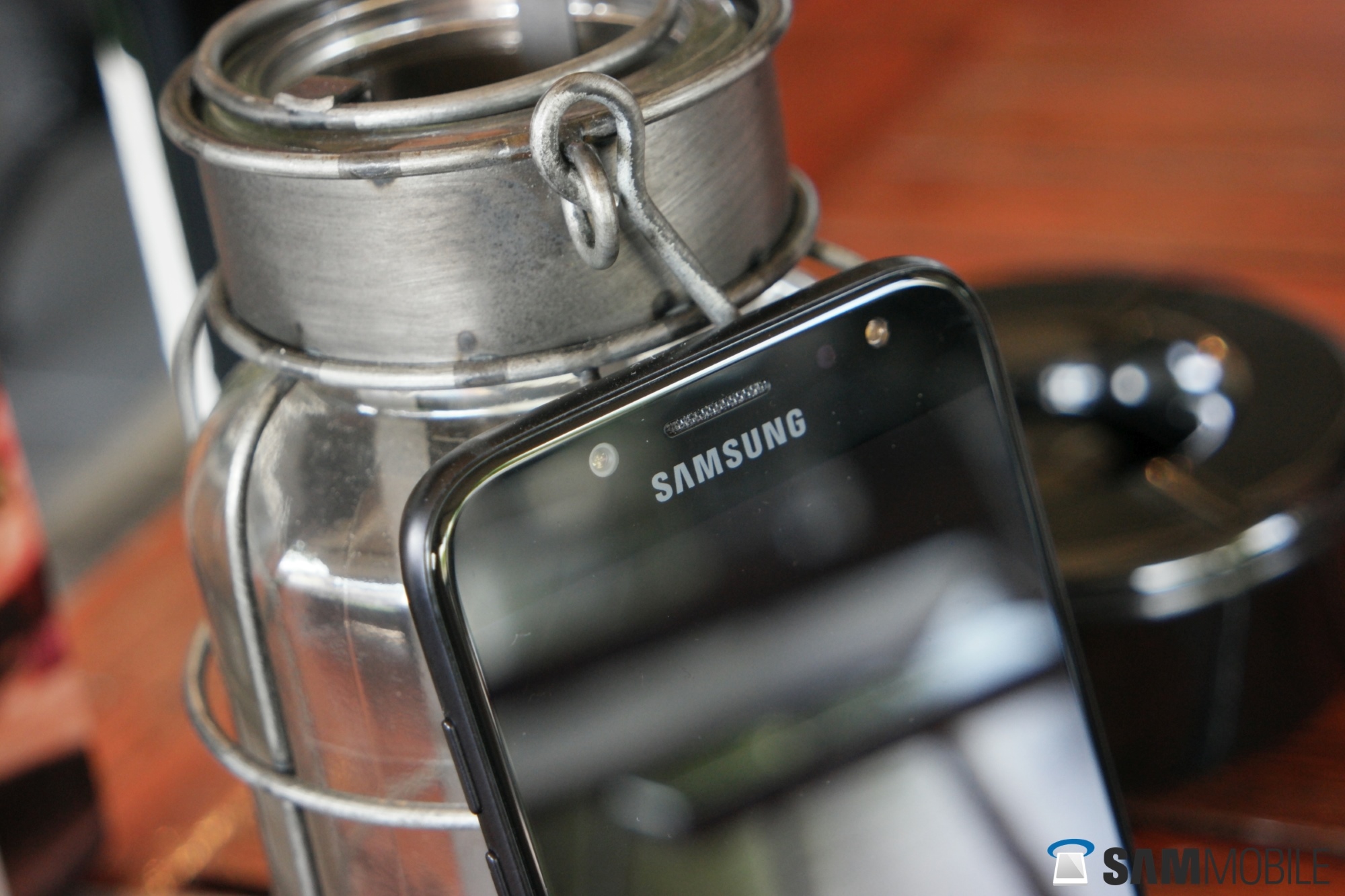
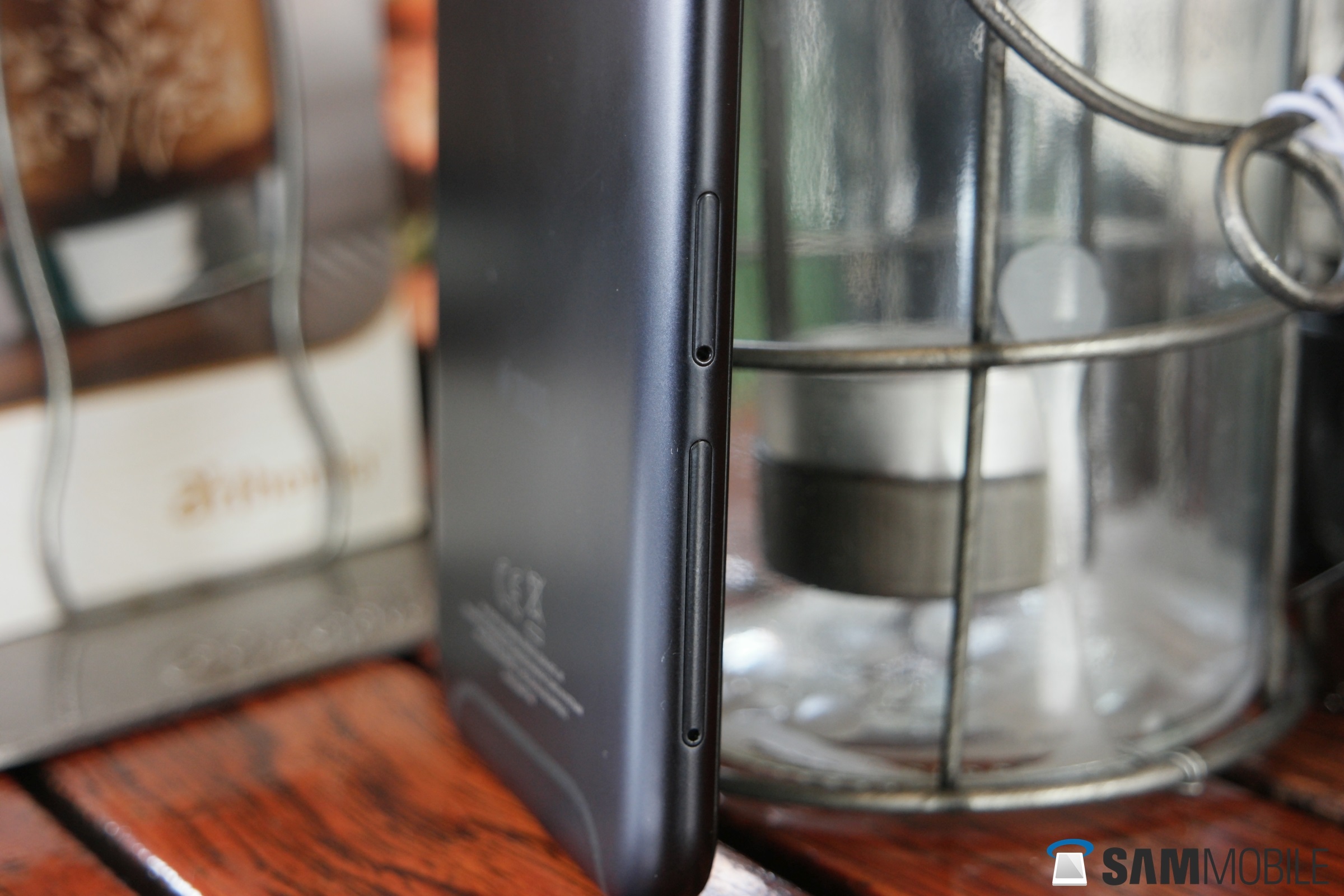
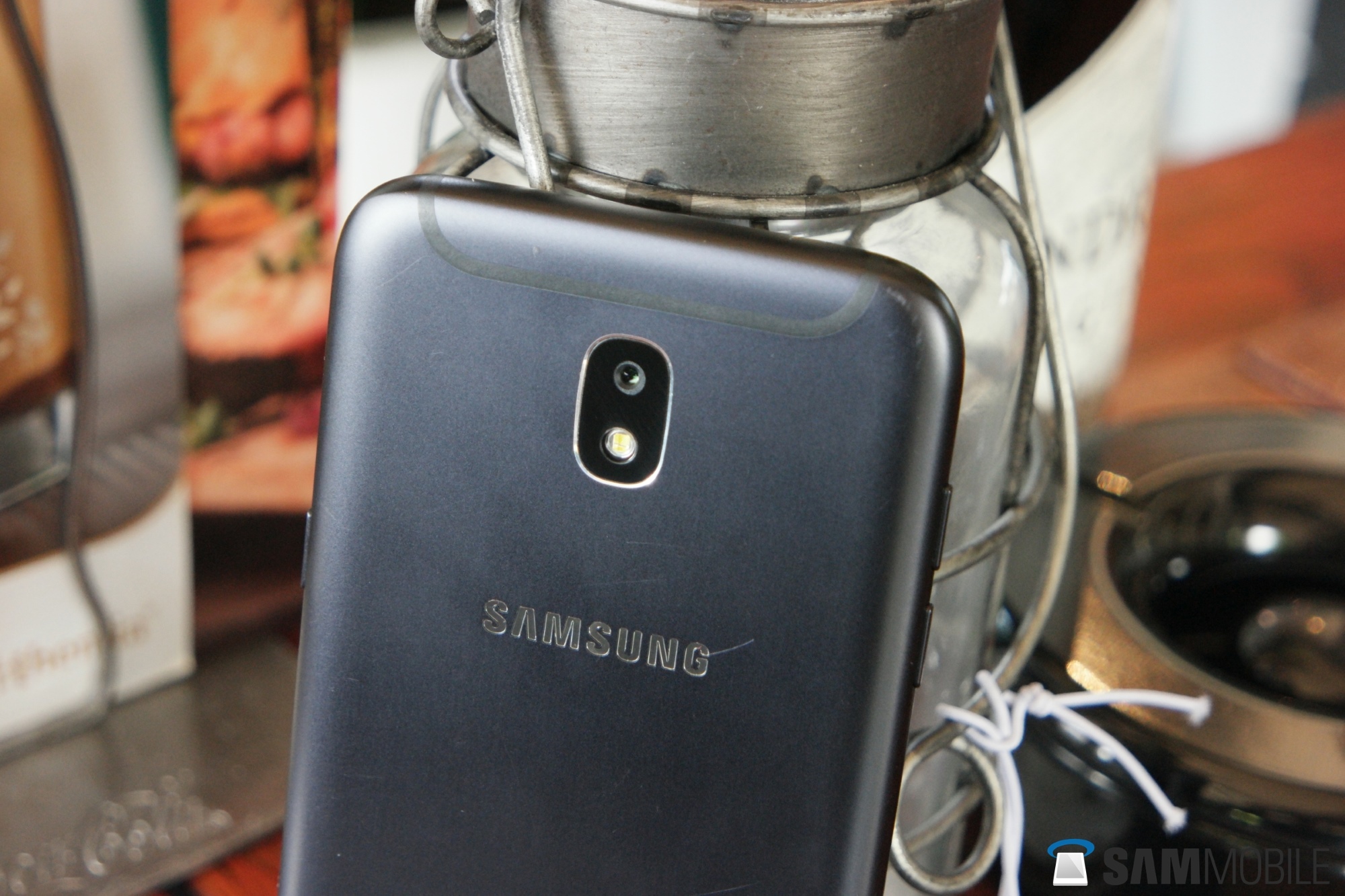
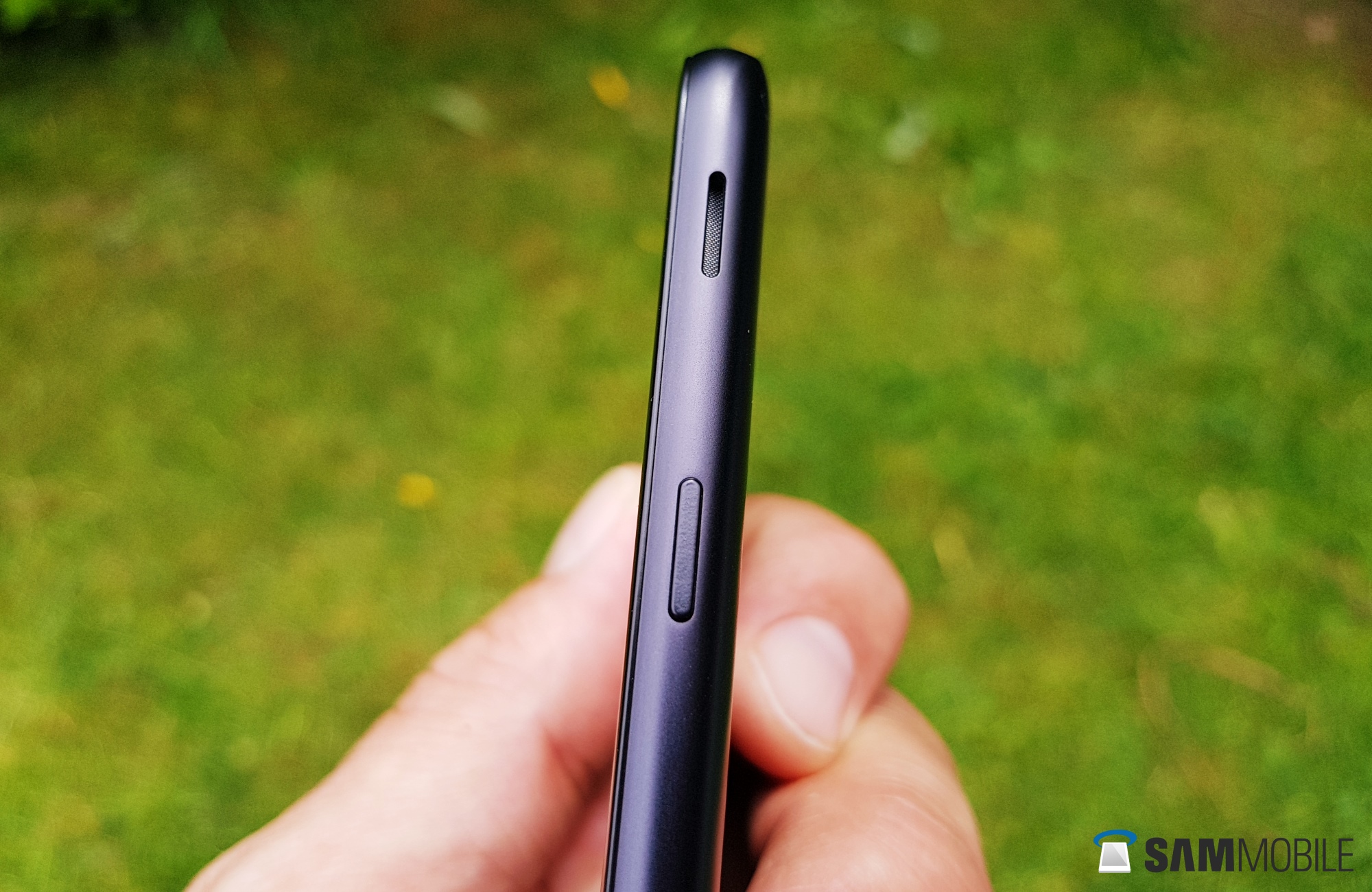
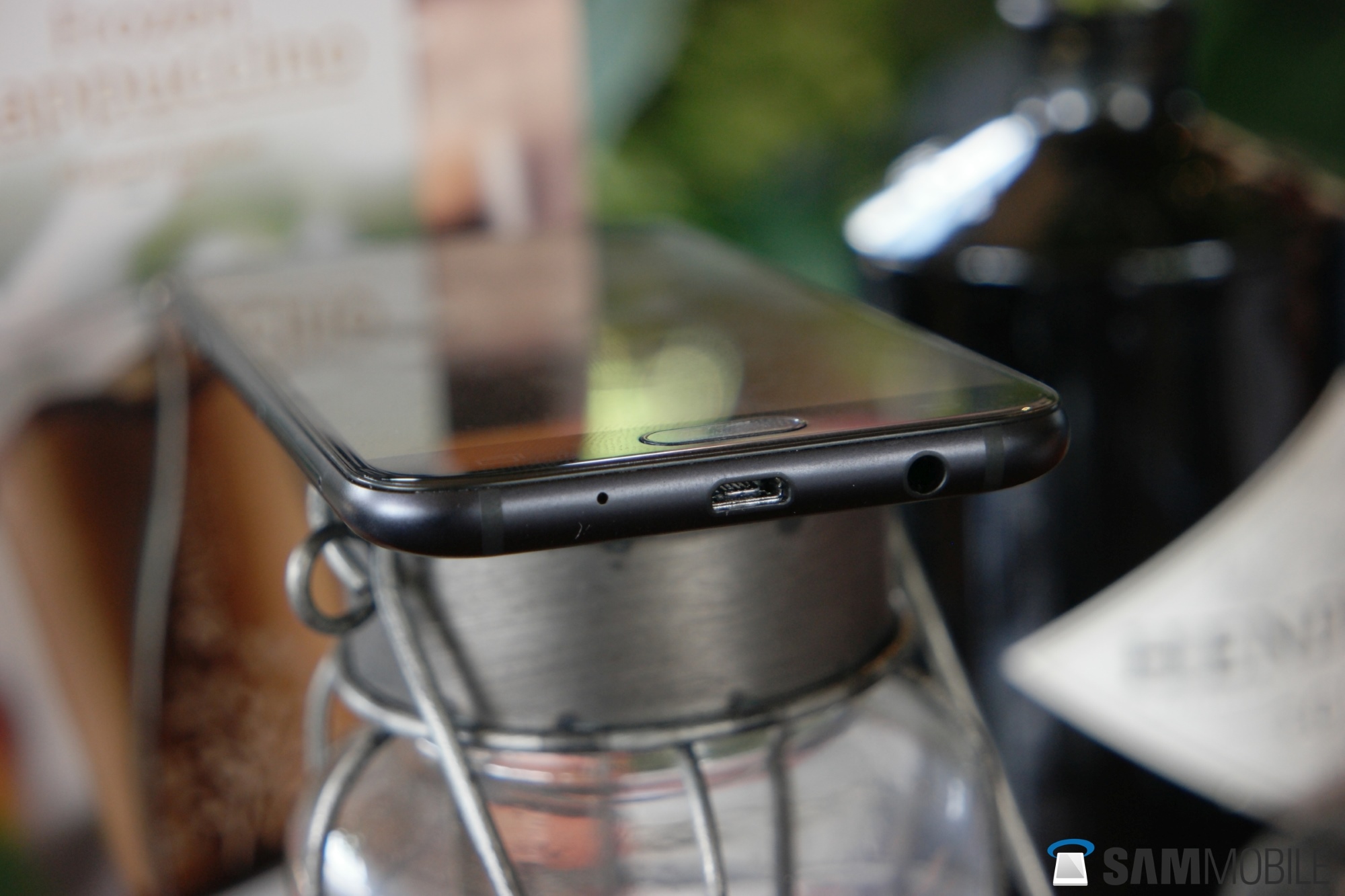
Thanks to its moderate 5.2-inch display and slightly thinner bezels, the Galaxy J5 (2017) is much nicer to handle than its predecessor. Just like, for example, on the Galaxy A3 (2017), the speaker is now found on the side, just above the power key. The metal back is quite prone to scratches but no fingerprint magnet.
Overall, the Galaxy J5 (2017) is just a very well-built device, and I would prefer it over the
Galaxy A5 (2017) if it had any type of IP-certification. It, however, does not, as Samsung obviously must keep some differentiation between it Galaxy J and A lineup. I am guessing the decision to include a micro-USB connector instead of a type-C one is backed by similar logic, or Samsung simply had another few million of those lying around. This was, apparently, not the case with the notification LED, as the phone is not equipped with one, despite it being available on last year’s Galaxy J7 Prime for the Indian market.
Either way, the phone feels very much nicer in my hand than the price tag suggests. And that is something I have never said about any of Samsung’s non-flagship devices until now.
Display
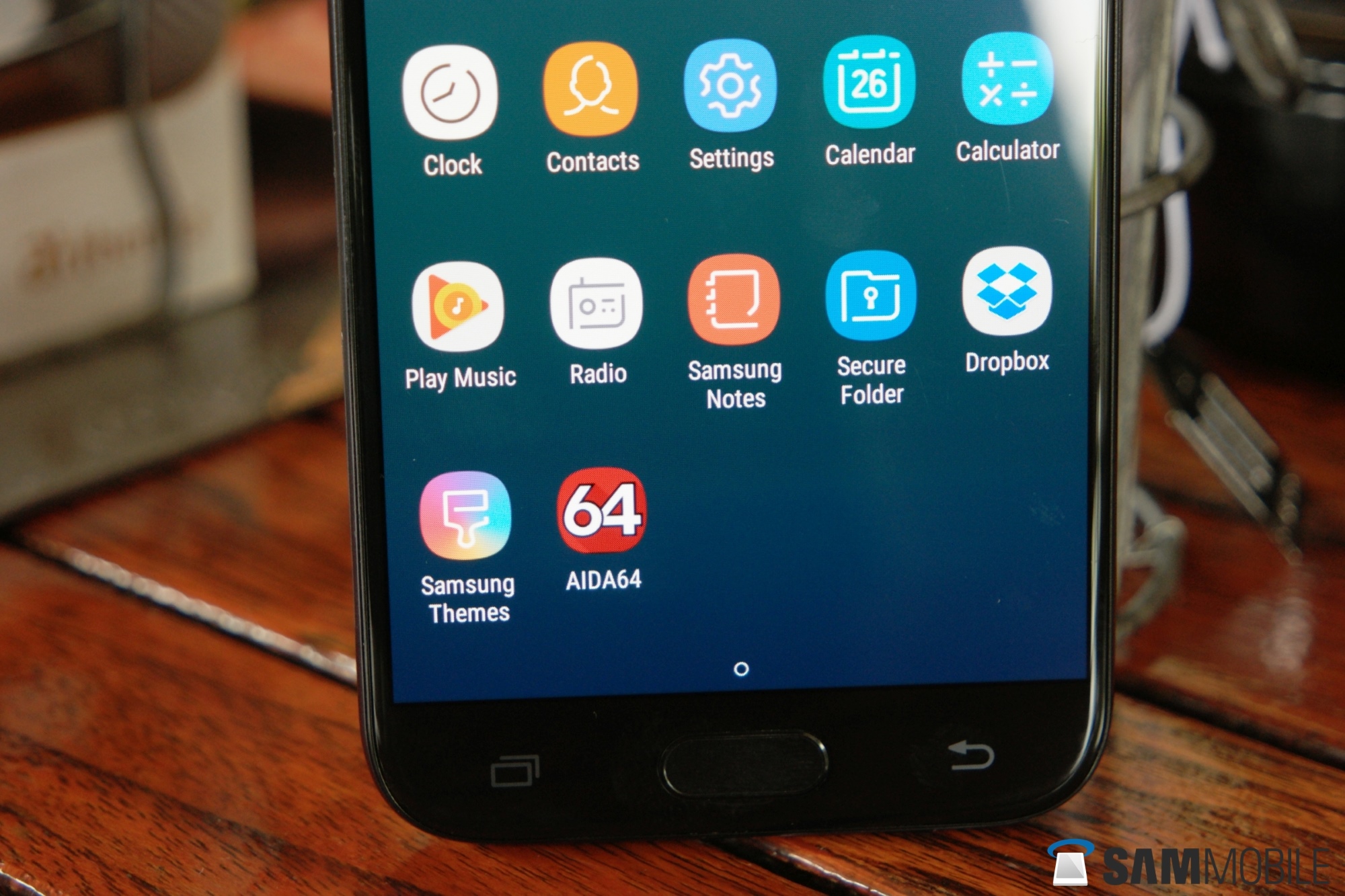
As expected, the Galaxy J5 (2017) packs a 5.2-inch AMOLED display. While its contrast and color reproduction are as good as can be expected, the 720p HD resolution isn’t quite 2017. If your eyes are good, you can see individual pixels, thanks to the display’s PenTile subpixel layout.
There are several devices in the same price range, or cheaper, that have a 1080p Full HD panel. These phones, however, usually have a TFT LCD display, with lower contrast and less lively colors. If you’re in the market for a phone in this class, your choice boils down to this: higher resolution or prettier colors. The Galaxy J5 (2017) offers the latter, not the former.
Samsung, in some of the J5’s marketing materials, refers to the display as a 2.5D-display. And indeed, the panel lies ever so slightly above the metal rim surrounding it. However, compared to any other 2.5D display used by Samsung (S7, A series), this display should probably be called 2.2D, if that were a thing. The visual effect just isn’t that obvious.
Overall, I will say the Galaxy J5 (2017) packs a pretty nice display, even if it could have been sharper. The lower resolution sure is friendlier on the battery (more on that later). And although you have to wait a bit for our full review of the Galaxy J7 (2017), I can give you one little spoiler: the Exynos 7870 SoC used in both the J5 and J7 handles 720p a lot better than 1080p.
Camera
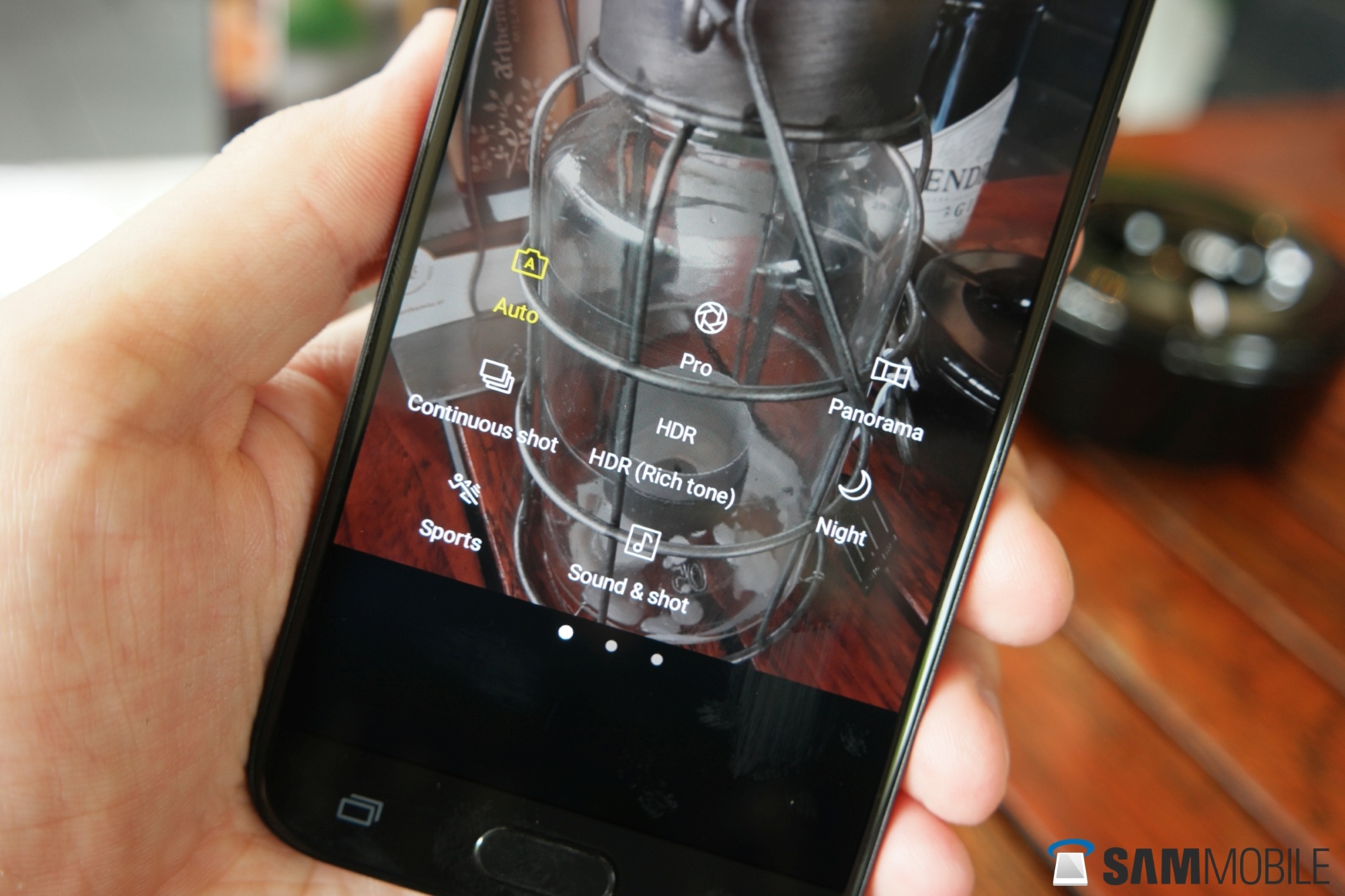
In this review so far, the Galaxy J5 (2017) was off to a flying start when I described the phone’s design. The display, though more than satisfactory, gave fewer reasons for outright enthusiasm, and this line continues with the cameras. Though fine for your average ‘let-me-quickly-snap-a-pic-to-post-somewhere’ scenario, they’re just not very good. In recent years, Samsung has become so good at providing a mind-blowing camera experience in its high-end smartphones, but there’s none of that if you don’t shell out S8-like cash. In other words: the J5 (2017)’s cameras are very basic. There’s no optical image stabilization, no real time HDR mode, and unlike the A series, you can’t even download additional camera features.
The lack of stabilization particularly comes into play because there is no real time HDR mode. The non-real time HDR ‘Rich Tone’ setting is so slow, it is near-impossible to hold the phone still enough for as long as it takes to capture the image. Without the HDR mode, dynamic range is limited, so pictures often turn out too bright or too dark.
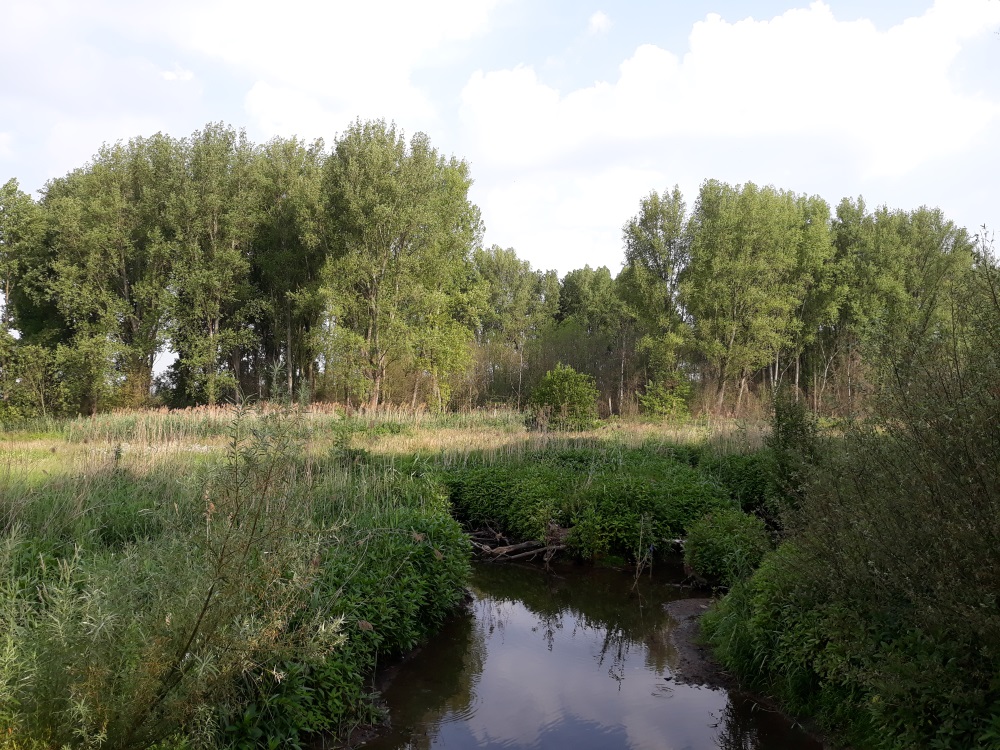
Colors are a bit of a hit and miss affair too. Sometimes the rather dull looking tones are actually closer to reality than some other devices that turn out oversaturated colors. However, at other times, the Galaxy J5 (2017)’s colors really are duller than reality. That said, auto focus is mostly pretty fast and accurate, which is a very important quality for users who just want to point their phone and take a picture – in other words, most users, particularly ones shopping in this price range. And, especially in the light of earlier J devices, low-light shooting has improved considerably. I’m even inclined to say it performs better in the dark than, for example, the Galaxy A5 (2017), no doubt thanks to the faster autofocus and the reduced aperture (f/1.7 on the J5 vs f/1.9 on the A5).
As has become a stable in the J series, the Galaxy J5 (2017) has a front cam (now 13 megapixels, just like the rear sensor) with a LED flash. And though I’m still not one to take a selfie more than, say, once a decade, I see the point of that flash. In the first-generation J series, using it often resulted in some rather unflattering pictures. In the Galaxy J5 (2017), the front flash has, for lack of a better description, matured. It’s not about putting a heap of light in your face, but about taking a more balanced picture with fewer areas that are too dark or too light. I’m still no fan, but there are enough good reasons here to disagree with me.
In the video department, you won’t be shooting anything sharper than 1080p FHD resolution. The Galaxy J5 (2017) provides digital stabilization, which does a good job ironing out larger vibrations. However, particularly in low-light conditions, the stabilization cannot entirely keep up with smaller ones.
All in all, the cameras in the Galaxy J5 (2017) do not present any surprises. They shoot nice pictures in average conditions. For users who mostly want to share their snaps with family and friends through messengers and social media, this is fine. The front flash has, so I guess, become pretty useful by now. But with the J series getting a more premium design, the camera department is where paying less affects the overall experience. Perhaps not surprising, but something to be aware of nonetheless.
Software
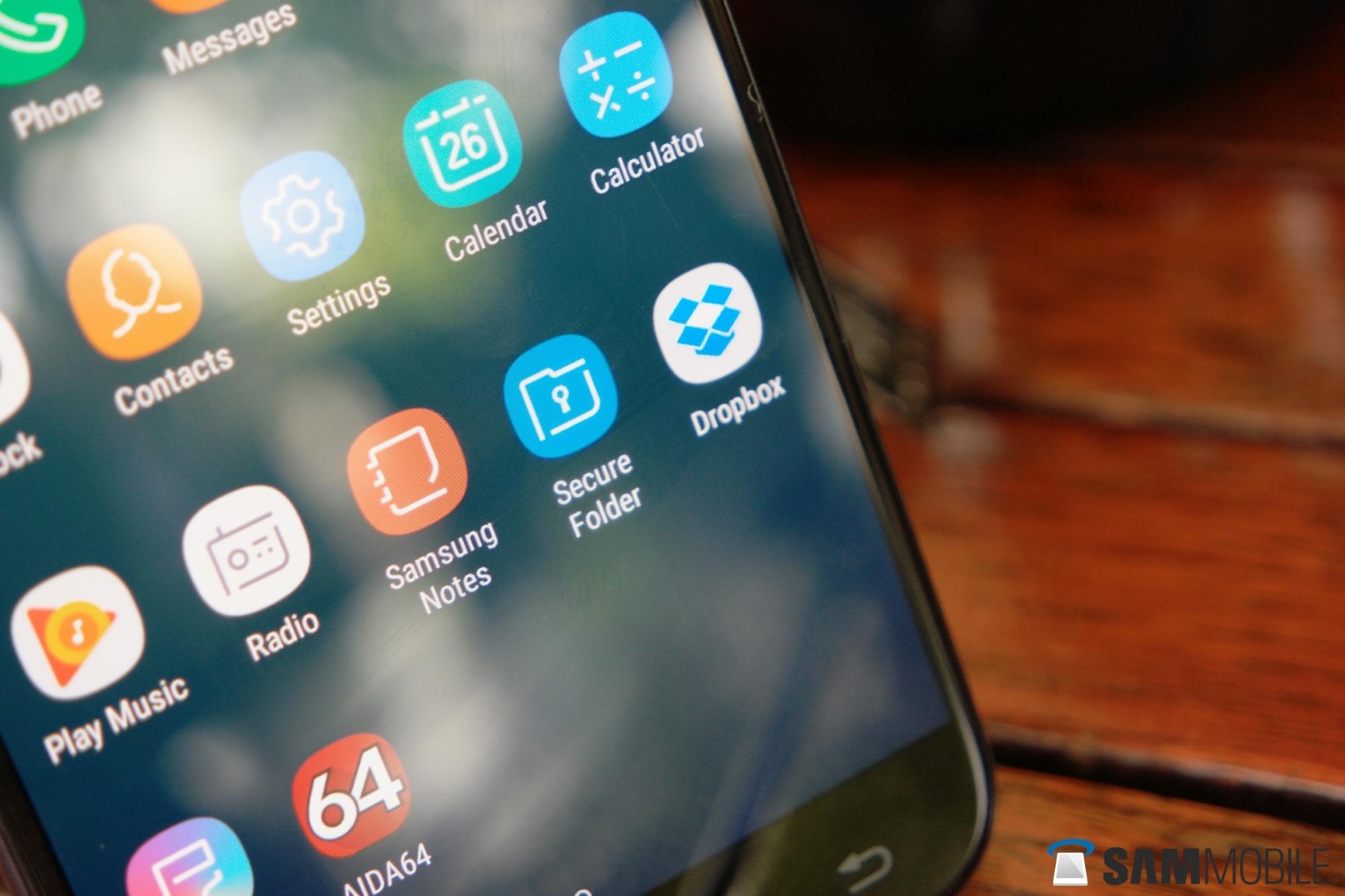
What applies to the camera, applies less and less to the software. The first Galaxy J’s often lacked basic features found in slightly more expensive Samsung devices. But no more. The Galaxy J5 (2017) comes with Android 7.0 out of the box, and (more notably) runs the same version of the Samsung Experience UX as the Galaxy S8.
This means you can disable the app drawer entirely, or merely remove the button so you have to swipe up to access it. There is the secure folder, not only hiding images and files but entire apps and accounts. There is the theme store, that lets you install entire themes, or just the wallpaper, or a different set of icons.
There are different energy saving modes, and Samsung’s own cloud service Samsung Cloud is fully integrated. The blue light filter is present, and you can use
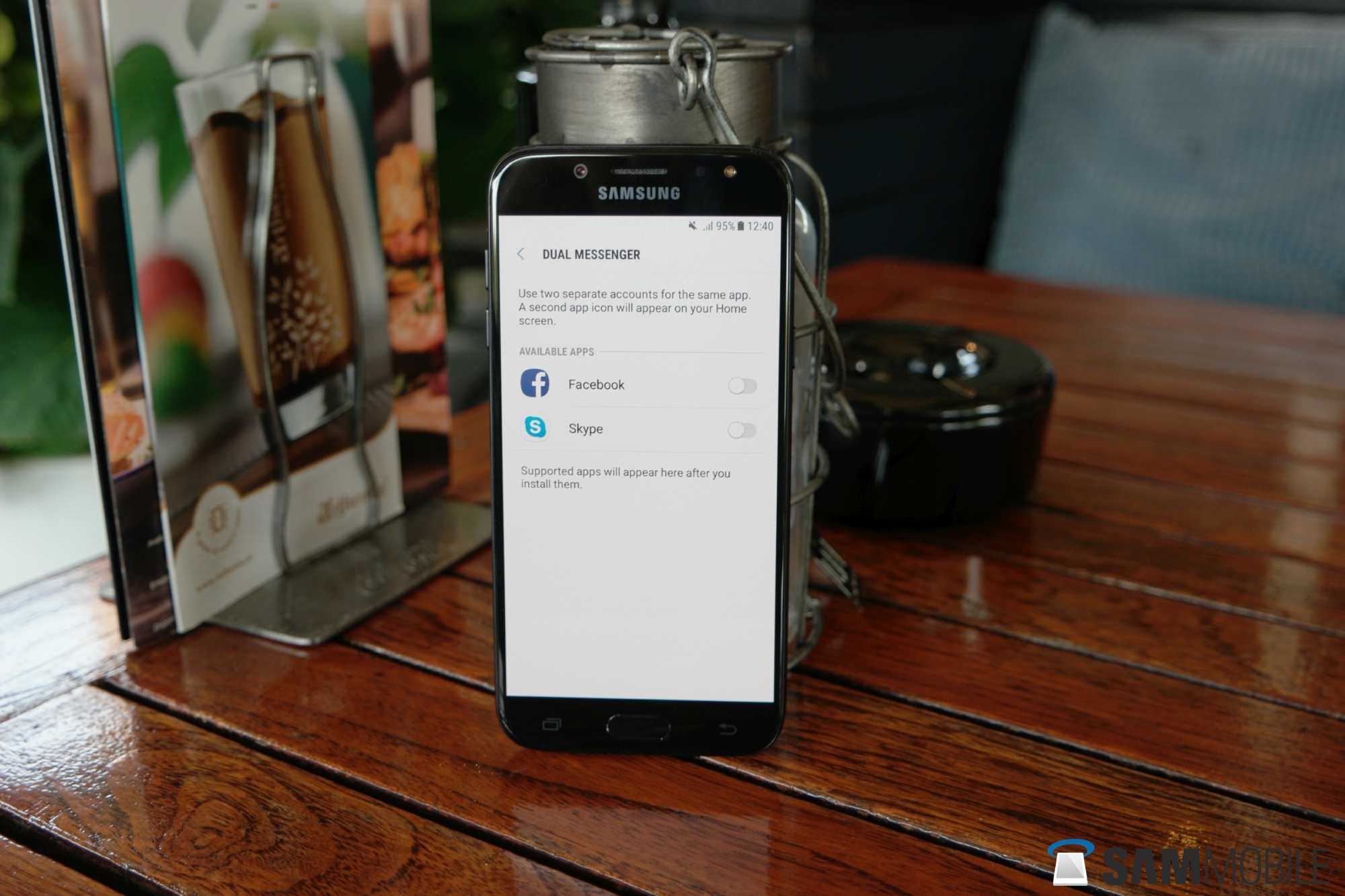
two instances of some messenger apps – even outside of the secure folder.
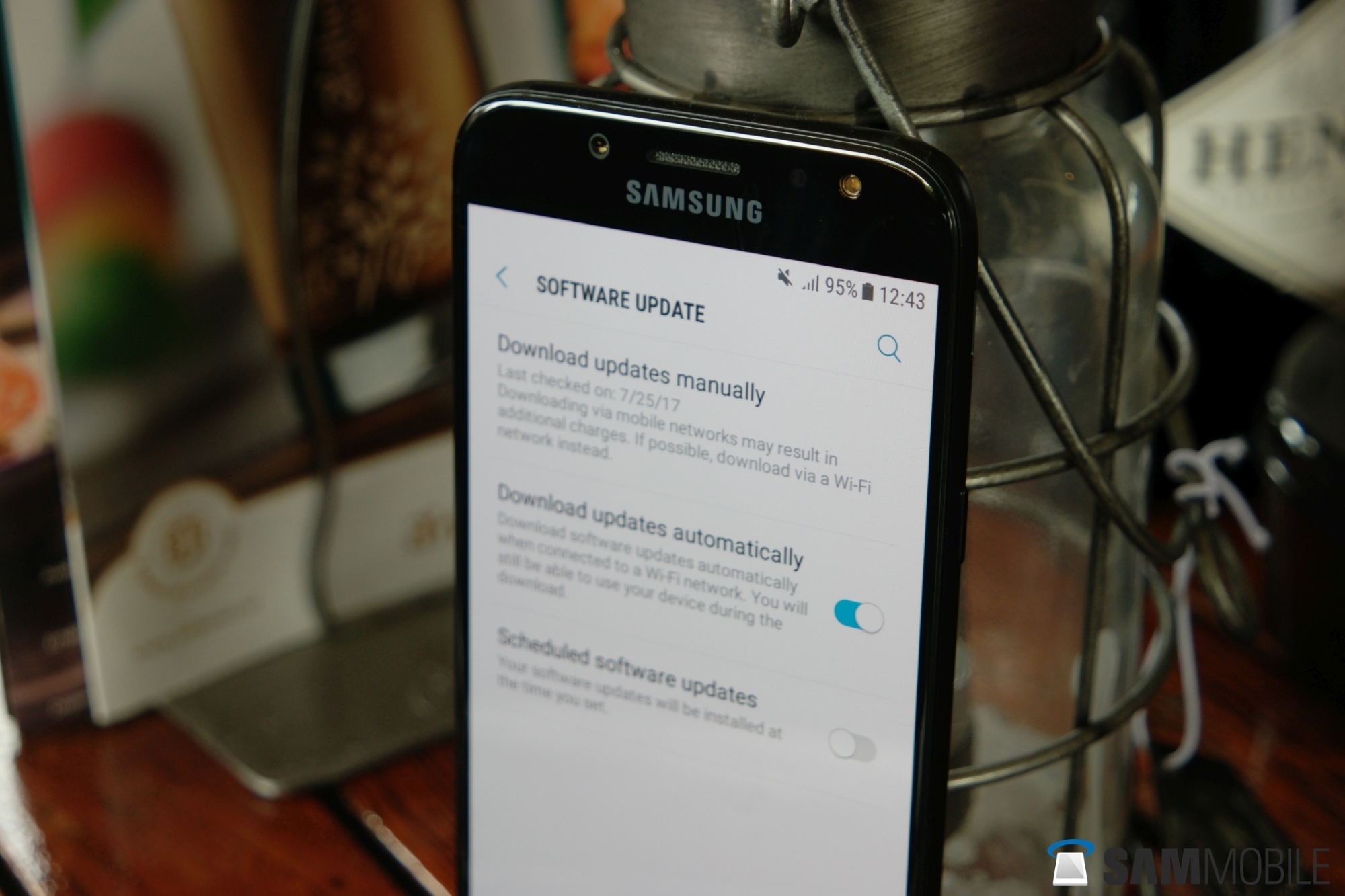
In terms of the Galaxy J5 (2017)’s future software development, I cannot give you a definitive prediction. Going by previous J series models, at least one big update to the Android OS can be expected. In term of security updates, Samsung has been updating the phone’s predecessors roughly every second month, dropping to quarterly updates in the second year of its lifespan. I say ‘roughly’ because ultimately update frequency varies per market.
Performance
Now, a few paragraphs back I already briefly touched on the Galaxy J5 (2017)’s performance. The 14-nanometer
Exynos 7870 system-on-a-chip is not very powerful. Still, because of the display’s 720p resolution, it does not need to be. During daily use, the device feels smooth and fast enough. Even most games can be played reasonably well, once again, because of the modest pixel count.
Still, doing anything that requires more power often leads to delays. If you are installing, updating, or removing large applications, while doing something else, you will notice things can take a bit of time.
The Galaxy J5 (2017) sure is fast enough for the average user sending messages, sharing some pictures and playing a little game or two. Heavy users will find the combination of Exynos 7870 and its 2GB RAM lacking. This phone is not trying to impress the aficionado, though. It is trying to be ‘just fast enough’ for the average user. I guess it succeeds, particularly because of one aspect.
Audio quality
Like this year’s A series, the Galaxy J5 (2017) has its speaker located above the power button. Compared to last year’s J5, they provide a relatively balanced sound. There’s less treble, and more mid, though I still can’t call any of it bass. That is not Samsung’s fault, as tiny phone speakers are physically incapable of producing actual bass.
As for the earphones, slowly the time is approaching for Samsung to upgrade their mid-range earphone game. They did it with the Galaxy S8, and hopefully cheaper phones will profit from the Harman acquisition eventually. The set that comes with the J5 (2017) is primarily one thing: cheap. For phone calls, it is satisfactory. For listening to music, not so much. Realistically, though, I did not expect much in this price range anyway. And if you bring your own headphones, the phone is capable of pushing out acceptable sound quality.
Battery life
You might know the formula: decent battery size plus modest processor and resolution equal good battery life. This is the equation Samsung’s nails in the Galaxy J5 (2017). Even more convincingly than last year’s J series models, this year’s J5 (2017) squeezes two full days out of its 3,000 mAh battery in most usage scenarios.
The device continues the line Samsung has been following for some time now, where its mid-range phones generally have a battery life equal to or better than its flagship models. Unfortunately, one feature that did not reach the J series yet is fast charging. Through its micro-USB port, the J5 (2017) charges at an old-fashioned rate, though honestly, it is still pretty quick.
And while we’re talking about the battery of the Galaxy J5 (2017), there is another important observation to be made. Not only was Samsung known for its use of plastics, but for years an exchangeable battery was part of the South-Koreans’ practical approach. With the arrival of the full-metal J series, the user-exchangeable battery is almost gone from Samsung’s portfolio in most markets. Only niche-devices like the Galaxy Xcover 4 still have the required removable back plate. This, too, is a landmark of sorts. Just a very different one than Samsung’s use of metal in its cheaper devices.
Fingerprint reader, other features
Though the wrap-up of this review is in sight, we still must pay some attention to the fingerprint reader. Just as with the metal body, this is a welcome addition to Samsung’s lower mid-range lineup. On the Galaxy J5 (2017) it works without fuss. Like with other recent Galaxy devices, the fingerprint reader on this phone is always-on, too. To get to your start screen quickly, just put your thumb on the home key, and you will be there within a second. No need to press the key, mind you.
But aside from convenient unlocking, the fingerprint reader offers handy integration with features like Samsung Pass and Secure Folder. The first remembers user details for apps, services, and websites, so you can log-in everywhere using only your fingerprint. Secure Folder offers an extra secure environment without the Galaxy J5 (2017)’s usual interface. Here, you can store all kinds of content you don’t want to be accessible to other users of the phone. Furthermore, you can install entire applications in the Secure Folder, including user accounts that are not visible outside the folder.
In addition, the fingerprint reader makes the Galaxy J5 (2017) well suited for professional use. The same applies to various payment services, with Samsung Payas a notable example, unfortunately with limited regional availability. The fingerprint reader provides functionality and versatility on a device that, in previous iterations, used to have clear limitations in this area. Or, in other words: despite its lower price point, the Galaxy J5 (2017) packs quite an elaborate set of features. And if you decide to get the dual-SIM version, you will still have a microSD slot, unlike in the dual-SIM Galaxy S8. You can use two SIM cards and still expand the 16GB internal storage.
Conclusion
The Galaxy J5 (2017) most certainly presents a notable evolution of Samsung’s J series. The device no longer feels like an entry-level phone, but rather, offers an impressive build quality. Battery life is great, and overall the J5 (2017) is a rich package stuffed with useful features: fingerprint reader, Samsung Pass, Secure folder, Samsung Cloud, FM radio, a microSD slot, dual messenger, themes and other customization options. The display looks great, even if no one would have been surprised about a panel with a higher pixel count.
Performance is sufficient for a vast majority of users shopping in the Galaxy J5 (2017)’s price range. The rear camera’s performance will be sufficient for most as well, and the front cam takes pretty good selfies. Is it a pity that the Galaxy J5 (2017) is not water resistant? Sure, though not many (if any) phones in the same price range offer such a body yet.
A real downside of the Galaxy J5 (2017), at least for some, could be the fact it no longer offers an exchangeable battery. Also, if you’re into heavy applications and games, you will notice limitations to the processing prowess of the device. In 2017 Samsung still considers a notification LED to be a high-end feature, as the Galaxy J5 (2017) has none.
Still, if you are looking for a solid, functional smartphone with solid battery performance, the Galaxy J5 (2017) checks pretty much all boxes. I’d go as far as to say that this is the Galaxy that offers the most bang for your buck, particularly since most buyers will pay much less than its initial pricing, as they acquire it in the course of the next 12 to 18 months. Samsung is planning to ship tens of millions of devices like this, and it is not hard to imagine them doing just that.
| Pros | Cons |
| Solid metal design | Screen resolution could be higher |
| Good looking display | No more exchangeable battery |
| Two-day battery life | No LED notification |
| Full of useful features | Micro-USB connector |
| Fast fingerprint reader | |
| Good selfie camera | |